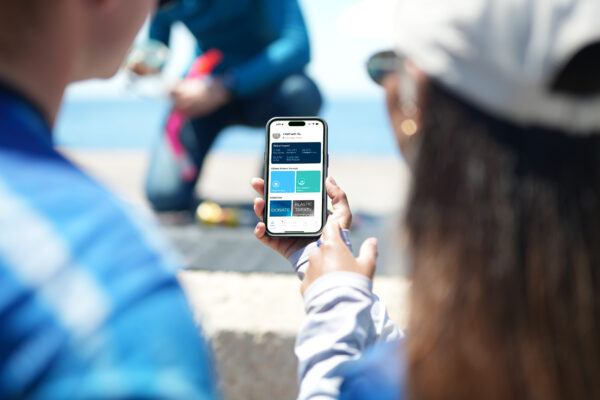
Are you using the latest digital tools to save time and effort?
As a busy dive professional, you’ve got lots to do – assign PADI product codes, check student eRecords, verify logged dives, process certifications for your last class, etc. All that, plus schedule and promote your next courses. You need tools that are easy to use, save time and increase your efficiency.
Making your job easier and helping you better serve your customers is the primary focus of recently released PADI “tools” – the Student Management Portal (SMP) and the updated PADI App.
Why Use SMP?
The SMP’s clean and intuitive format makes using it super easy from the start. Clear labels, logical dropdown lists and simple filtering options allow you to find and display information about all your student divers or take a look at specific student divers.
Let’s say that you want to look for student divers who just started a course. In the general “student management” view, you can use the “status filter” to sort the list by students who were assigned product codes, then use the “latest activity” column to sort by the most recent date. The students listed at the top are who you’re looking for and from the “student detail” view, you can see:
- Which eLearning product was assigned to the diver
- Which digital forms the student has completed, or you can assign new digital forms
- The diver’s eRecord and learning progress
Upon completion of the course, you can use the same filter to find those students and then “batch” process their certifications. From the “student management” view, you can select all the student divers in that course and process their certifications together. Make sure each diver’s information is complete and diver photos are uploaded, then complete the course details to batch process diver eCards.
Let’s say that all those recently certified divers want to take a Specialty Diver course together. Again, you can use SMP’s filters to quickly find those divers, then assign new eLearning codes and digital forms.
Being able to view and manage information about each of your customers in one spot is powerful. It not only makes record keeping much easier, but it also gives you the ability to quickly see which certifications your customers have or don’t yet have for marketing purposes.
SMP Features at a Glance
- Student Management – View, update and manage all diver information in one spot
- Smart Searches – Use filters to quickly find specific students
- Batch Processing – Process certifications for multiple divers in the same class
- Clean Interface and Mobile Responsive – Design makes SMP intuitive to use from any device
Get Started With SMP
The SMP has many other features, and if you haven’t already started using it, start today. The Online Processing Center (OLPC) remains functional, but will be phased out later in the year, so make the transition to SMP now. Translations are available for all PADI Pros’ Site languages. Go to the PADI Pros’ Site and look under Student Management/Manage Students.
There is a Frequently Asked Questions (FAQ) document (available in several languages) and a series of linked “How To” videos on the PADI Pros’ Site (Training/Teaching Resources/How To Videos – English) that provide expanded information about all of the Student Management Portal’s functions.
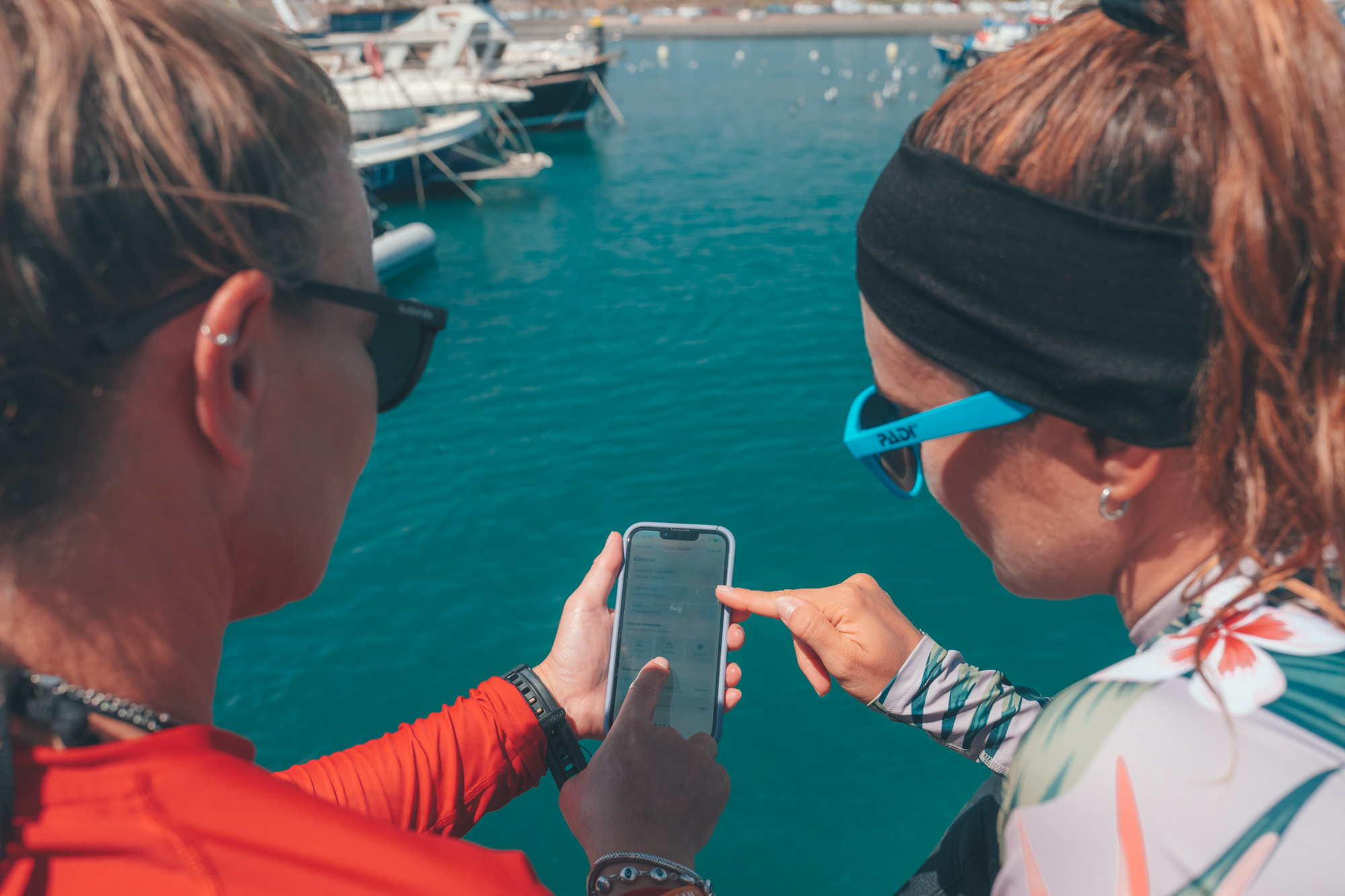
PADI App
The new consolidated PADI App has gained millions of users since its release last year. Not surprisingly, the most popular feature is the logbook. The app’s logbook and dive prep feature (second-most used) are clearly beneficial to your customers, because they can be accessed no matter where their dive adventures take place. Divers can log dives online for instant recording or offline with the log saved until they are online again and open the app.
Hopefully, you’ve already found that you can instantly verify training dive logs by having student divers scan your personal QR code. Note that now Specialty course dives and recreational dives can be logged and verified using the QR code option.
Beyond logging dives, there are so many helpful ways to use the updated PADI App as you train PADI Divers. For example, let’s say a couple comes into your dive center to enroll in an Open Water Diver course. You sign them up, and you use SMP to send them an eLearning code along with digital forms to complete. They redeem the code and set up their PADI account. You also ask them to download the PADI App and show them how to access eLearning online (which is best), but you explain that they can also download sections (or all of it) to study when internet access may be limited.
As training progresses, you can check that they complete their forms by accessing the PADI Pros’ Site/SMP from your PADI App. After the first confined water dive, you show them that they can review all the hand signals they just learned on the PADI App. Before the first training dive, you ask them to use the dive day checklist to prepare. At the dive site, you ask them to pull up the eLearning, Section Three, “Your Skills as a Diver”, and go to Dive One. You could even review skill videos as needed to remind divers of key steps.
After the dive, you help them log their first training dive, then verify it with your QR Code. After the course, you show them how to book their next dive or course with you through PADI Adventures via the PADI App. All of this is quick, efficient and seamless.
Look for new features to be added to the app this year, including dive log enhancements and a contact book.